3D Studio
Interactive stone carving simulators
Four tools that let you try a decision before you make it on a block of stone. Educational simulations, free to use, no sign-up.
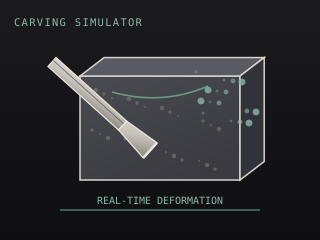
Carving Simulator
Rotate a marble block, drive four chisel types into it, and watch the surface deform in real time. Depth, angle and force are all adjustable, and over-forcing raises a cracking warning.
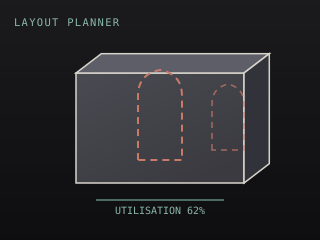
Layout Planner
Set the subject, the block dimensions and the scale, then drag the profile into position. The planner reports the stone you will waste and whether the profile overruns the block.
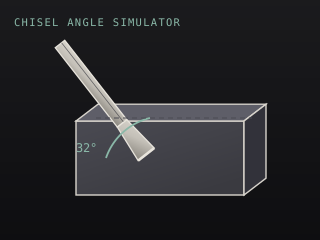
Chisel Angle Simulator
Adjust the chisel angle, force and stone type, then run the cut. The simulator reports an efficiency score, a removal rate and the risks of skating or spalling.
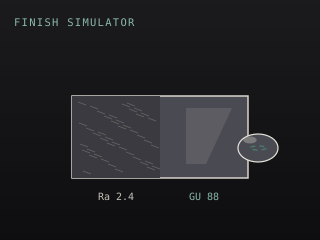
Finish Simulator
Step through the grit sequence, choose a finish and apply a sealant. The surface gloss and roughness update as you work, with a before-and-after comparison.
How these are built
Every tool renders a real 3D scene in the browser and keeps a running set of calculated outputs. Nothing is faked: the block deforms vertex by vertex as you carve, the profile area is computed with the shoelace formula, and the finish material changes with the gloss figure.
They are built to fail safely
- If your device has no WebGL, each tool switches to a 2D reference version that reports the same numbers.
- If the graphics context is lost, the tool offers a restore action rather than showing a dead canvas.
- If the rendering library fails to load, you get an error card with a retry, not a blank box.
- On a small screen the 2D version loads first, and you can opt into 3D explicitly.
- If the frame rate drops below 30 fps, the scene sheds shadow quality and resolution automatically.
- If you have reduced motion set at the operating system level, the animations and particles stop.
The 3D library is loaded only on these pages. The rest of the site never requests it.
Related reading
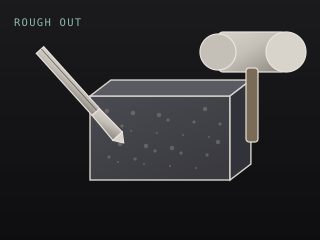
Roughing Out: From Block to Basic Form
The stage that decides whether a piece works. Silhouette first, mass second, and never detail before the mass is correct.
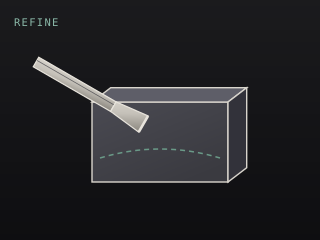
Refining and Detailing Your Sculpture
From rough mass to resolved form — establishing planes, cutting transitions, and the point at which you should stop.
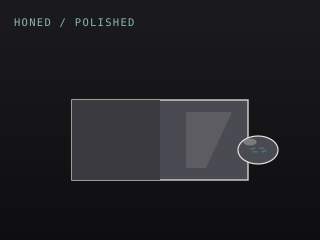
Finishing Stone: Honed, Polished, and Sealed
The grit sequence, the difference between honed and polished, and why sealing is the step everyone skips and later regrets.